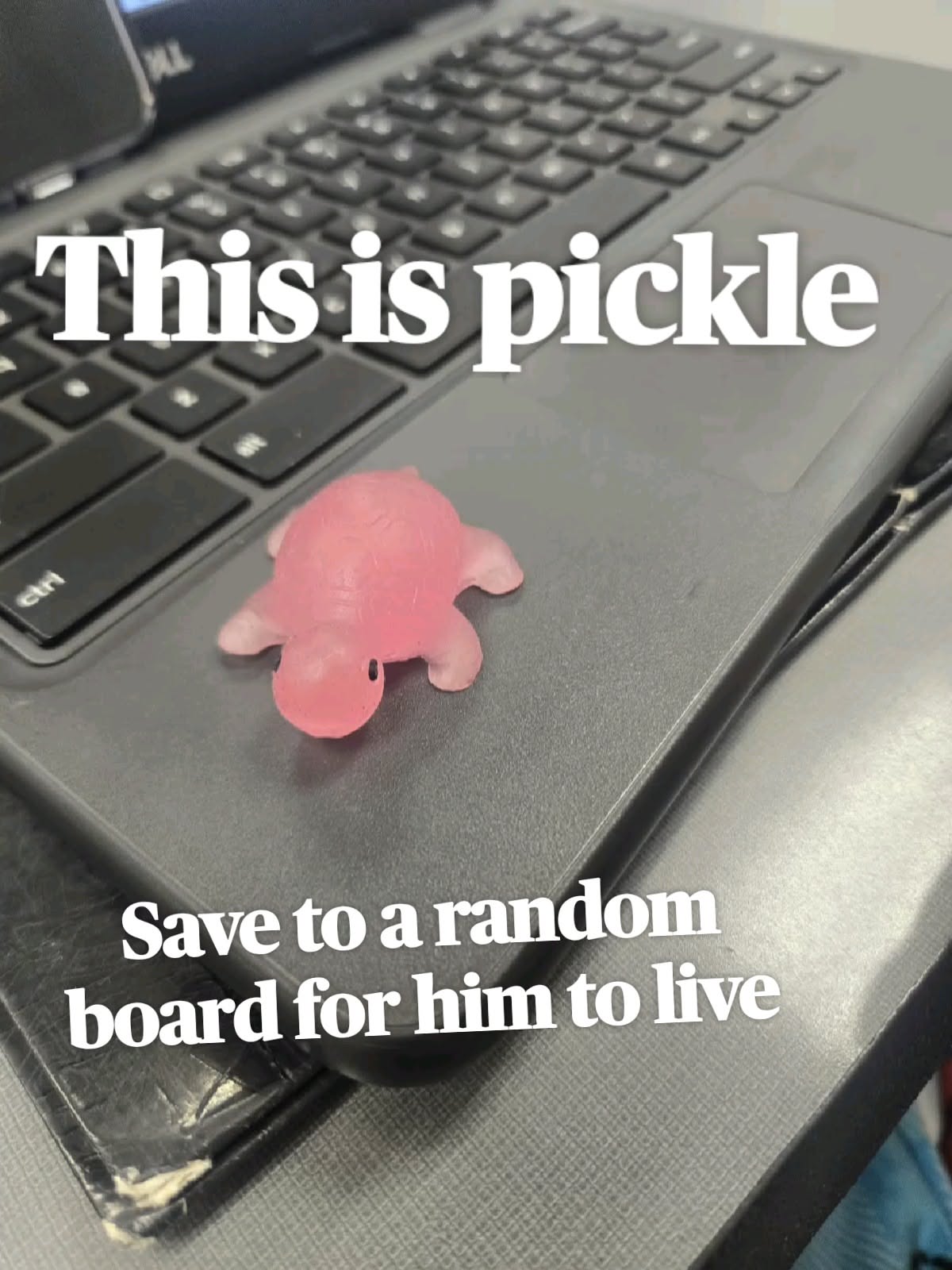
Some of the best corners of the internet never trend, never get a marketing budget, and never ask for your email. They just sit there, quietly doing one thing extremely well, waiting for somebody to stumble in. This list is a collection of those places — the kind of sites you save to a random board, forget about for a month, then rediscover and lose an hour inside. From a pickle-themed time waster to tools that make you look smarter than you are, here are fifteen finds worth keeping.
Table of Contents(Click to Toggle)
Why Saving Random Websites Is a Genuinely Good Habit
Bookmarking odd little sites is a form of digital foraging. The big platforms are optimized to keep you scrolling in one place; the small ones are optimized to do one weird, delightful thing and then let you leave. Saving a random site is a small act of resistance against the algorithm — it builds a personal library of places that nobody paid to put in front of you.
There is a practical side too. A saved pickle page, a browser-based photo editor, a recipe-stripping tool, and a radio map of the world cover an absurd amount of daily need. Each one on this list is free to use, most need no account, and every single one is the kind of thing you’ll want to send to somebody else. That’s the real test of a great random website: does it make you want to share it?
1. Pickle : A tiny pickle with a life of its own
What it is: A delightfully pointless little web toy built around a pickle character you can interact with and keep tabs on.
Category: Interactive oddity / time waster
Why it stands out: It’s the exact energy of the pin that brought you here — save it, come back, and the pickle is still there, living its small green life. There’s no login, no ad wall, no explanation. It loads instantly and asks nothing of you.
Best for: Anyone who needs a two-minute brain reset between tasks.
2. Neal.fun : A playground of clever mini-experiences
What it is: A collection of browser toys from developer Neal Agarwal, including the famous Spend Bill Gates’ Money, Space Elevator, and The Password Game.
Category: Interactive playground
Why it stands out: Each page is a self-contained idea executed with real polish. The Password Game alone — where your password rules get progressively more absurd — is worth the visit. Everything runs in-browser with no install and no account.
Best for: Curious people who like their time wasters with a side of clever design.
3. The Useless Web : A button that teleports you somewhere pointless
What it is: One big button. Press it and you’re dropped onto a random, gloriously unnecessary website.
Category: Random discovery
Why it stands out: It’s the purest expression of the save-it-for-later spirit — you never know if you’ll land on a screaming goat or a site that just spins a cube forever. A single click replaces a scroll session, and the surprise factor never wears off.
Best for: Boredom emergencies and group chats that need a link.
4. Window Swap : Look out of a stranger’s window somewhere in the world
What it is: A site where people upload short videos of the view from their window, and you can open them one at a time.
Category: Slow travel / ambient
Why it stands out: Ten seconds of a rainy balcony in Lisbon or a snowy street in Finland does something a photo gallery can’t. It’s genuinely calming, completely free, and the low-fi quality is part of the charm.
Best for: A five-minute escape during a lunch break.
5. Radio Garden : Spin a globe and tune into live radio anywhere
What it is: An interactive 3D globe dotted with thousands of live radio stations. Drag, zoom, click, listen.
Category: Music / world discovery
Why it stands out: You can go from a jazz station in New Orleans to a talk show in Nairobi in two clicks. It’s the closest thing to teleportation on the open web, and it makes an excellent background companion while you work.
Best for: People who want music from somewhere they’ve never been.
6. Internet Archive : The internet’s memory, free to browse
What it is: A nonprofit digital library holding the Wayback Machine, millions of books, audio recordings, and old software.
Category: Archive / research
Why it stands out: The Wayback Machine lets you see what any website looked like years ago — a genuinely useful trick when a link dies or a page changes. The rest of the archive is a rabbit hole of public-domain films, concerts, and manuals.
Best for: Anyone who has ever muttered “I swear this page used to say something different.”
7. Photopea : Full photo editing in a browser tab
What it is: A remarkably complete image editor that runs entirely in your browser and opens PSD files.
Category: Productivity / creative tool
Why it stands out: It looks and behaves like a professional desktop editor, supports layers and masks, and costs nothing. The catch is that it’s ad-supported on the side, but for quick edits on a borrowed laptop it’s unbeatable.
Best for: Quick edits when you don’t have design software installed.
8. Excalidraw : Sketch diagrams that look hand-drawn
What it is: A lightweight whiteboard for flowcharts, wireframes, and rough diagrams with a charming sketchy style.
Category: Productivity / whiteboard
Why it stands out: No sign-up needed to start drawing, and the hand-drawn aesthetic makes rough ideas feel intentionally casual rather than unfinished. You can share a live collaborative link in seconds.
Best for: Explaining an idea to someone without opening a design app.
9. A Soft Murmur : Mix your own ambient background sound
What it is: A simple mixer for rain, thunder, waves, wind, birds, and white noise, each with its own volume slider.
Category: Focus / ambient audio
Why it stands out: Instead of a fixed track, you build the exact soundscape you want and it plays indefinitely. There’s also a timer if you like to fall asleep to rain without it running all night.
Best for: Deep work sessions and noisy shared spaces.
10. Pointer Pointer : Move your cursor, get a photo of someone pointing at it
What it is: A single-page site that finds a photograph of a person pointing precisely at wherever your cursor happens to be.
Category: One-trick novelty
Why it stands out: It has exactly one joke and it lands every time, because the photo library is enormous and the matching feels like magic. Move the cursor somewhere else and a whole new stranger points at it.
Best for: Showing someone next to you, then watching their face.
11. Wiby : A search engine for the old, hand-made web
What it is: A search engine that deliberately indexes simple, personal, non-commercial websites.
Category: Search / discovery
Why it stands out: Results feel like 2003 in the best way — fan pages, hobby sites, and text-heavy pages written by one person. There’s also a “surprise me” button that serves a random page from the index.
Best for: Anyone tired of searching and getting the same five megasites.
12. FutureMe : Email a letter to your future self
What it is: A service that holds your email and delivers it on a date you choose, months or years from now.
Category: Personal / reflective
Why it stands out: Writing a note to yourself and genuinely forgetting about it makes the arrival feel like a message from a stranger who knows you well. You can choose to make letters public, and reading other people’s is its own quiet rabbit hole.
Best for: Marking a birthday, a move, or the start of a big project.
13. Just the Recipe : Strip a recipe page down to the actual instructions
What it is: Paste any recipe URL and get back only the ingredients and steps, with the life story removed.
Category: Everyday utility
Why it stands out: Food blogs are notorious for burying a six-ingredient recipe under 1,500 words of memoir. This tool pulls the useful part in one click and works on most major recipe sites.
Best for: Cooking from a phone with sticky fingers and no patience.
14. Every Noise at Once : A map of thousands of musical genres
What it is: A sprawling scatterplot of music genres, each one clickable to play a sample, built from streaming data.
Category: Music discovery
Why it stands out: You will find genre names you did not know existed, and every one plays a snippet so you can judge for yourself. It’s a genuinely strange, genuinely useful map of how much music is out there.
Best for: Playlist fatigue and anyone who wants something they’ve never heard.
15. Hacker News : A plain-text front page of genuinely interesting links
What it is: A minimal link-sharing forum where technologists post and discuss articles, tools, and research.
Category: Community / reading
Why it stands out: The design hasn’t changed in years and that’s the point — no images, no infinite scroll, just headlines and comment threads. The discussions often contain more insight than the linked article, and the commenters are unusually quick to correct errors.
Best for: A daily skim of what smart people are actually reading.
Bonus Mentions
This Is Not Porn : Daily curated photos from around the world
A simple photo blog with a playful name and a steady stream of striking images. Great for a visual palate cleanser.
Bored Button : Five minutes of guaranteed distraction
Press it, get a random interesting site. Similar spirit to The Useless Web, slightly more curated.
How Many People Are in Space Right Now : One number, updated live
Exactly what it says. Oddly grounding, and a good conversation starter.
Pointer Pointer : Already listed above, but worth a second save
If you only bookmark one thing from this list for a rainy day, make it this one.
The Zen Zone : A one-minute breathing break
A minimal, no-account breathing timer for when you need to reset between tasks.
The Internet’s Best-Kept Secrets (So Far)
The pattern across all fifteen is the same: small, focused, and free. None of these sites will ever show up in a sponsored post, and most of them were built by one person who wanted a specific thing to exist. That’s what makes them worth saving — they’re not competing for your attention, they’re just there when you want them.
So save the pickle. Save the globe. Save the recipe stripper. Then come back in a month and see which ones you actually reopened. The ones that survive that test are the real finds, and they tend to be the ones you end up sending to somebody else.
Which random website have you saved and never deleted? Drop it in the comments — the best ones on this list came from somebody else’s bookmark bar.